Game caller
Bingo Caller: 75 & 90 — Kovi
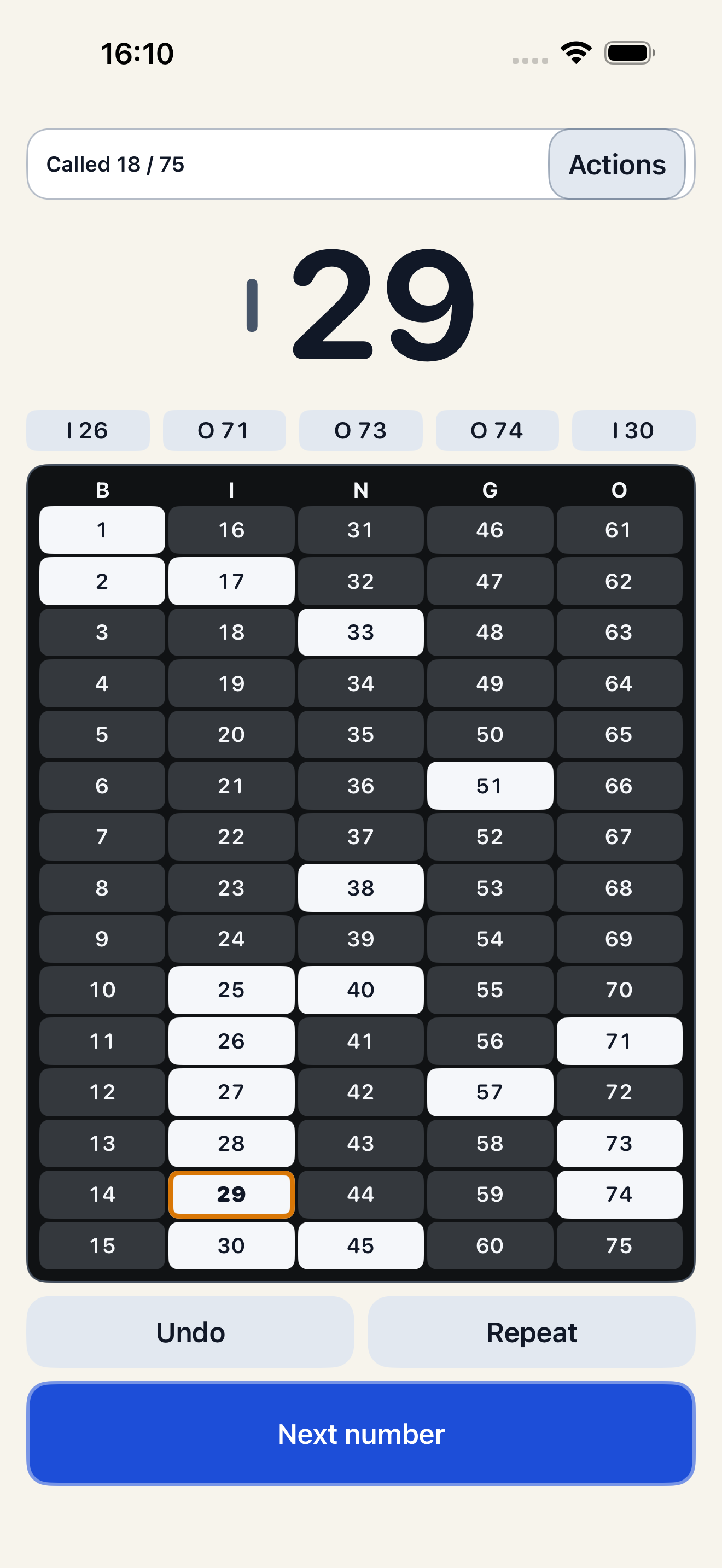
Host in-person 75-ball or 90-ball Bingo offline on one iPhone. Players use their own separate cards. Draw manually or automatically, repeat a call, undo and resume. Optional spoken calls use an available system voice; the visual caller works with speech off or unavailable.
Free to download. Pro is optional.
This is a local entertainment caller. It does not sell tickets, handle stakes or prizes, validate a winner, or provide remote play.
Optional Pro
Organizer Pro adds reusable named event settings, preparation checklists and history filters. Optional private iCloud sync covers Organizer presets and lists. Monthly and Annual subscriptions renew automatically; Lifetime is a one-time purchase. Calling, spoken calls, game history and recovery stay free.
A practical workflow
When to use Bingo Caller
- Choose 75-ball or 90-ball before starting.
- Draw locally and keep call history visible.
- Pause while the host checks a separate player card.
Choose this app when its documented scope fits the task you want to keep on your iPhone. The free web resources below are independent alternatives for a single worksheet or calculation.
Before you choose
Are player cards included in the caller?
Players bring their own separate cards matching the chosen format. The caller screen is not a player ticket.
Does it validate a winning card?
No. The host checks the card against the called numbers and the announced condition.
Does it speak every number?
The iPhone app offers optional available system speech. Test it on your device and keep the visual display available. The separate browser caller on this site is visual and manual.
Use it without an app
Free resources for this activity
- 75-ball and 90-ball bingo host checklist
Prepare a local bingo game with a free printable host checklist: matching cards, format, announced pattern, caller checks, pauses and manual winner verification.
- Free 75-ball and 90-ball bingo caller
Draw local bingo numbers without repeats in your browser. Choose 75 or 90 balls, see call history and download it. Bring separate player cards; host checks claims.
- Bingo host procedure: pause, repeat and check a claim
Prepare a clear host procedure for a missed bingo call, a pause and a claimed win. Printable cue card for casual 75-ball or 90-ball games.